

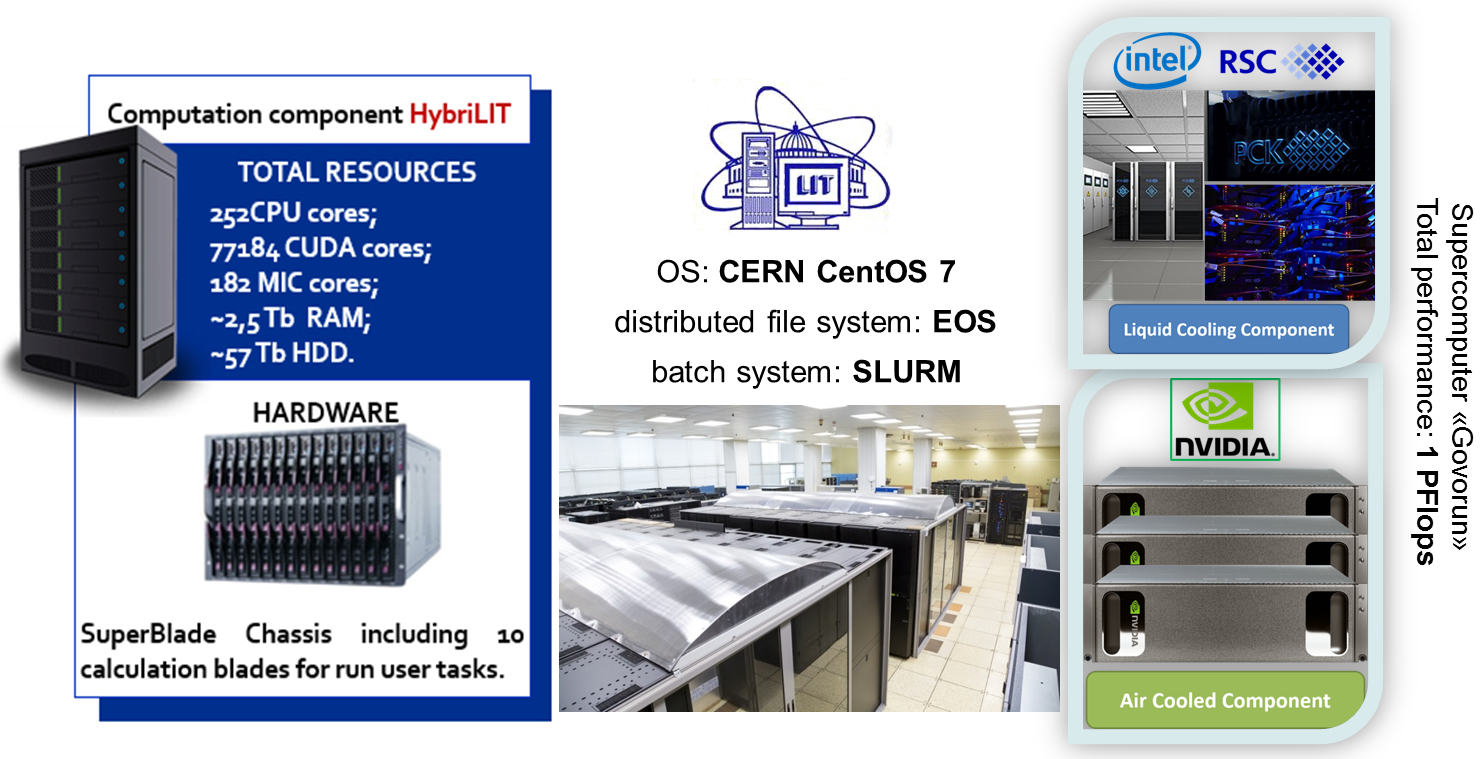
Heterogeneous platform “HybriLIT”
OS: AlmaLinux 9
Exp. Software: CVMFS, /cvmfs/bmn.jinr.ru/
MICC EOS Storage: /eos/eos.jinr.ru/nica/bmn/
NCX EOS Storage: /eos/eosnica.jinr.ru/nica/bmn/
Official Website
The HybriLIT heterogeneous platform is a computational component of the Multifunctional Center of the Laboratory of Information Technologies of JINR for data processing and analysis, which contains a multi-core component and computation accelerators: Intel Xeon Phi co-processors and NVIDIA graphics cards. The detailed information on the platform, rules and registration form can be found on the JINR HybriLIT Web-site.
With the HybriLIT team an agreement has been reached on using the heterogeneous cluster and Govorun supercomputer for BM@N tasks. Once you have registered in the HybriLIT complex, you can login with your account:
ssh [username]@hydra.jinr.ru
Please, carefully read the important notes after login.
The HybriLIT platform provides a minimal OS installation without pre-installed system packages and libraries, therefore it is necessary to run every time after the login the following command for loading necessary primary system packages:
module add CMake/v3.26.5 libexpat libxml2 GSL
The necessary dependencies for BmnRoot, FairSoft and FairRoot are located on the CVMFS file system. To use them, load the environment script every time you enter the platform. In other way, you can add the command to the end of ~/.bashrc file to be automatically executed every time at login.
source /cvmfs/bmn.jinr.ru/config/x86_64-alma9/cluster_config.sh
Installation of the BmnRoot software is described here at the section “Installing the BmnRoot framework”.
To run your tasks on the HybriLIT platform or Govorun supercomputer, you can use SLURM batch system. The HybriLIT platform provides the following partitions (queues): interactive , cpu, long, gpu_k80, gpu_volta. The Govorun supercomputer being a part of the platform also provides common queues, such as cascade queue with Intel Xeon processor cores, volta queue with GPU NVIDIA Volta cards and ampere queue with GPU NVIDIA Tesla Ampere cards. Furthermore, there is a special queue for the BM@N experiment with 192 Intel Xeon CPU cores – bmn (add “-p bmn -q bmn” parameters to your job description to send tasks to the queue).
If you know how to work with SLURM (SLURM on HybriLIT), you can use sbatch command on the cluster to distribute data processing. A simple example of such user job for SLURM can be found here.
NICA-Scheduler has been developed to simplify running of user tasks without knowledge of SLLURM. You can discover how to use NICA-Scheduler here.
The storage system of the HybriLIT platform includes the following user disk spaces:
- User home directory: /zfs/store5.hydra.local/user/[a-z]/[username] intended for file editing, building, and compiling programs (100 GB quota)
- User working directory: /lustre/projects/[a-z]/[username] for running computations, data storage, and data processing (no quota)
- EOS space of the MICC (LIT) cluster mounted at /eos/eos.jinr.ru/nica/bmn/users/[username]
- EOS space of the NCX cluster mounted at /eos/eosnica.jinr.ru/nica/bmn/users/[username]
- Scratch local space: /run/user/$UID – a fast local storage system for temporary results
The BM@N experimental and simulated data are located at the EOS distributed storage system (EOS documentation) of the central MICC EOS storage mounted at /eos/eos.jinr.ru/nica/bmn/ and NCX cluster mounted at /eos/eosnica.jinr.ru/nica/bmn/.
To work with EOS data, in addition to the possibility of direct using the mounted space, you can also employ XRootD and EOS protocols from any remote place, e.g. xrdcp and eos cp command to copy EOS files, or use root://ncm.jinr.ru/ (for NCX EOS), root://eos.jinr.ru/ (for MICC EOS) and root://eos-hlit.jinr.ru/ (for HybriLIT EOS) prefixes to directly open remote EOS files in the ROOT environment (like root://eos-hlit.jinr.ru//eos/hybrilit.jinr.ru/nica/…).
Attention: the HybriLIT platform and LIT MICC complex still have different Kerberos authorization. As a result, there are no permissions for direct access to the central MICC EOS storage. To have the access to eos.jinr.ru, you need to have an account on lxpub, an account on HybriLIT and the same GID (group id) on HybriLIT as on lxpub, then perform the following steps on HybriLIT:
1) Set the following variables:
export KRB5_CONFIG=/etc/krb5.conf.jinr
export EOS_MGM_URL=root://eos.jinr.ru
2) Run the following commands:
kinit [lxpub-user]@JINR.RU
eos ls /eos
In case of problems during work with the Govorun or HybriLIT platform, you can open an issue for the HybriLIT support team here.